Practise one camera-visible phrase
Keep the loop short enough to see the preparation, movement, and landing. Widen A and B only after the transition is repeatable.
Choreography practice guide
Keep one camera-visible movement phrase returning while you learn its order, timing, and transitions.
Paste an embeddable dance-practice or tutorial video, set A and B around one short phrase or 8-count, choose an available slower rate, and add a 0–3 second Count-in when useful. Enable Gradual speed-up only after the movement is stable.
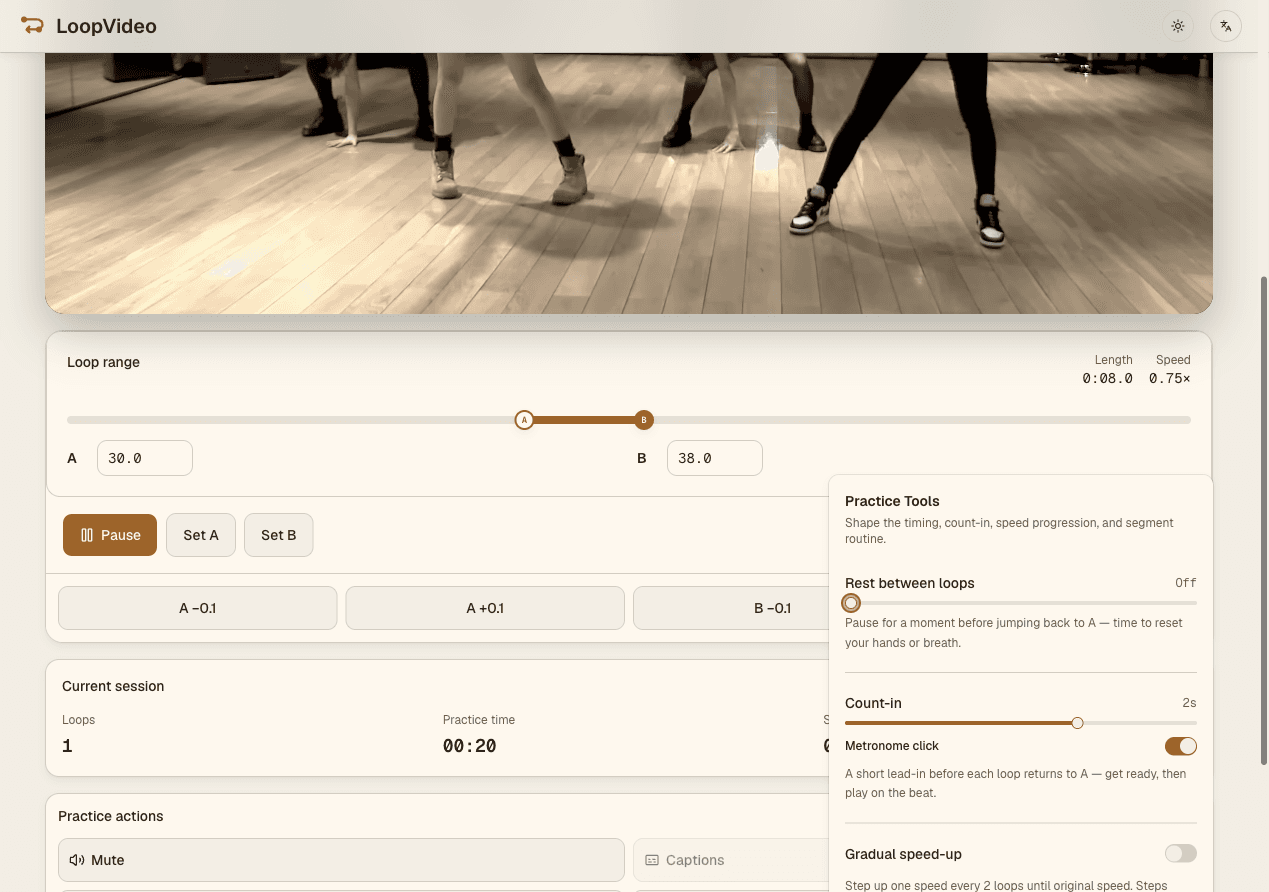
Paste an embeddable dance-practice or tutorial upload with a fixed duration.
Set A and B around one movement phrase, then adjust either boundary in 0.1-second steps.
Use a player-reported slower rate and, when helpful, a 0–3 second Count-in before each return to A.
After the phrase is stable, Gradual speed-up can move one available rate every two loops until 1x.
Keep the loop short enough to see the preparation, movement, and landing. Widen A and B only after the transition is repeatable.
LoopVideo does not mirror a video. If mirrored choreography helps, choose a YouTube upload that is already mirrored and verify its orientation before practice.
Count-in can be 0–3 seconds, and its optional click plays only during the selected count-in. Rest can add 0–5 seconds after a loop; neither feature is a continuous metronome during the video.
Gradual speed-up advances one player-reported LoopVideo rate every two loops until 1x. It cannot create intermediate speeds the selected video does not provide.
LoopVideo does not mirror video, detect movement, or record a camera. Videos may fail when embedding is disabled, or when they are age-restricted, private, removed, or otherwise unavailable. Live streams are unsupported because they have no fixed duration. Returning to A may have a small seek delay. Speeds and captions differ by video. Saved loops and history stay in the current browser. Background playback and lock-screen playback are unsupported in LoopVideo.
Paste an embeddable dance video and set a real A–B practice range.
Open LoopVideo