Listen first, then check available captions
Try the short segment without text, then use the Captions action only if the player exposes captions for that video. LoopVideo does not create missing captions.
Focused listening guide
Turn one spoken segment into a repeatable listen, recall, and shadowing exercise without claiming a transcript or score.
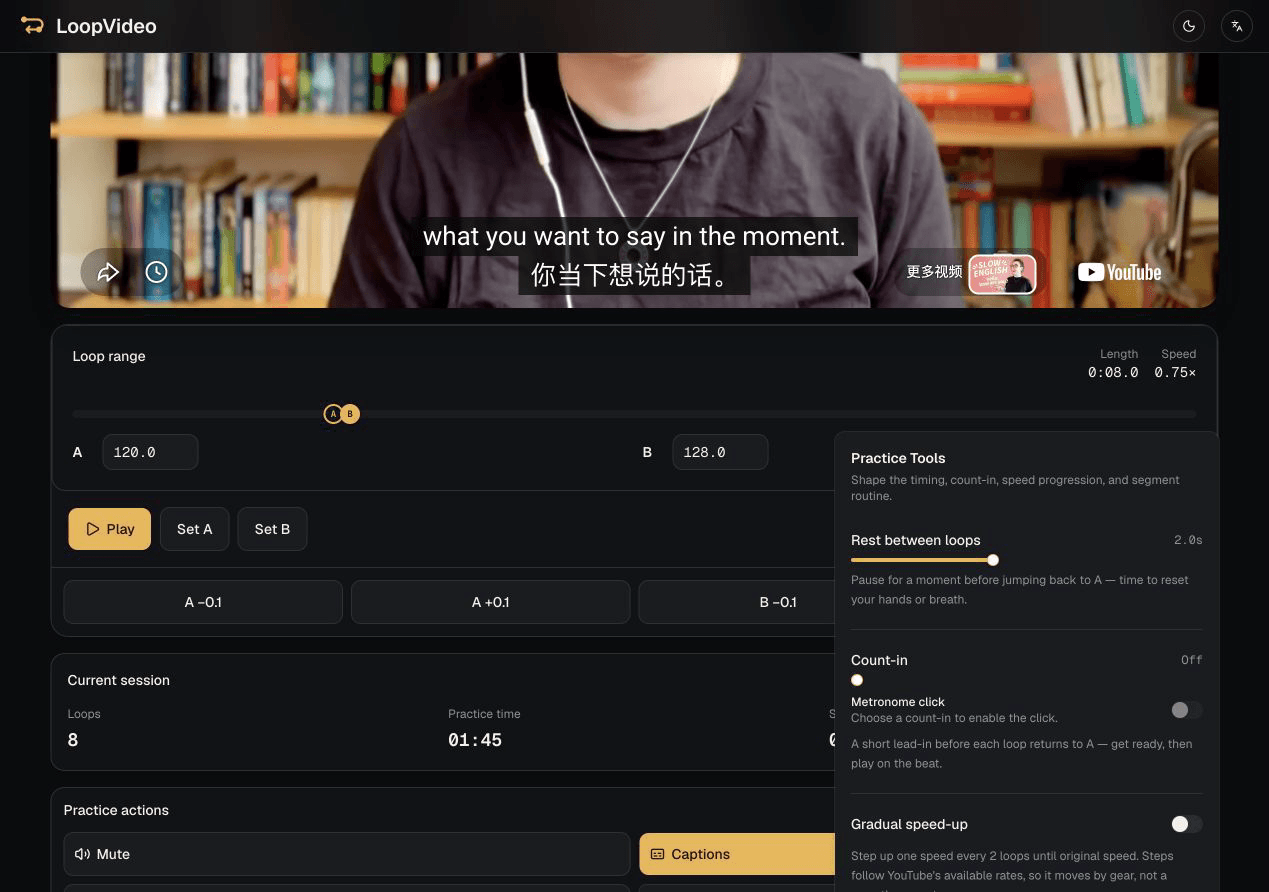
Paste an embeddable video with clear speech, set A and B around one sentence or short explanation, and listen at a player-reported rate. Toggle captions only when the player exposes them, add Rest for recall or shadowing, then save locally or copy the loop link.
Paste a valid YouTube ID or supported URL for an embeddable, fixed-duration source.
Set A and B around one sentence or short explanation and fine-tune either point in 0.1-second steps.
Use a player-reported speed and toggle captions only when the embedded player confirms they are available.
Use 0–5 seconds of Rest to recall or speak, then save in this browser or copy the supported practice state.
Try the short segment without text, then use the Captions action only if the player exposes captions for that video. LoopVideo does not create missing captions.
Add a short pause after the source sentence and repeat it during the gap. LoopVideo controls playback timing but does not record or grade the result.
Keep the range short for focused listening and choose one listening target, such as word boundaries, reductions, stress, or one difficult explanation, before each repetition.
LoopVideo repeats the selected audio and video. It does not transcribe, translate, explain vocabulary, or evaluate pronunciation.
LoopVideo does not transcribe, translate, score pronunciation, or guarantee captions. Videos may fail when embedding is disabled, or when they are age-restricted, private, removed, or otherwise unavailable. Live streams are unsupported because they have no fixed duration. Returning to A may have a small seek delay. Speeds and captions differ by video. Saved loops and history stay in the current browser. Background playback and lock-screen playback are unsupported in LoopVideo.
Paste an embeddable spoken video and isolate the exact sentence you need.
Open LoopVideo